Turn Raw Takes Into Postable Videos In Minutes
iPhone only · Requires iOS 18 or later
False start0:04 cut
“Um… okay, let me start again.”
“This is the product I use every morning.”
Example · KatVid first cut
Retake0:06 cut
“Wait — no, that's not what I meant.”
“The thing I like is how easy it is.”
Example · KatVid first cut
Filler0:02 cut
“Uh… so, yeah…”
“And that's why I'd recommend it.”
Example · KatVid first cut
Dead air0:05 cut
“(silence)”
“Three steps. That's the whole routine.”
Example · KatVid first cut
Repeat0:03 cut
“It took me, it took me about ten minutes.”
“It took me about ten minutes.”
Example · KatVid first cut
False start0:05 cut
“Hi guys, so today… hold on.”
“Okay, here's my honest review.”
Example · KatVid first cut
False start0:04 cut
“Um… okay, let me start again.”
“This is the product I use every morning.”
Example · KatVid first cut
Retake0:06 cut
“Wait — no, that's not what I meant.”
“The thing I like is how easy it is.”
Example · KatVid first cut
Filler0:02 cut
“Uh… so, yeah…”
“And that's why I'd recommend it.”
Example · KatVid first cut
Dead air0:05 cut
“(silence)”
“Three steps. That's the whole routine.”
Example · KatVid first cut
Repeat0:03 cut
“It took me, it took me about ten minutes.”
“It took me about ten minutes.”
Example · KatVid first cut
False start0:05 cut
“Hi guys, so today… hold on.”
“Okay, here's my honest review.”
Example · KatVid first cut
Retake0:04 cut
“You just press, sorry, you just press record and talk.”
“You just press record and talk.”
Example · KatVid first cut
Filler0:02 cut
“Like, the battery, like, lasts the whole day.”
“The battery lasts the whole day.”
Example · KatVid first cut
Dead air0:07 cut
“(silence)”
“Here's the before, and here's the after.”
Example · KatVid first cut
Repeat0:03 cut
“I've used it, I've used it for a month now.”
“I've used it for a month now.”
Example · KatVid first cut
False start0:05 cut
“So the three… wait, let me redo that.”
“Three things nobody tells you.”
Example · KatVid first cut
Filler0:02 cut
“Um, yeah, so, that's it.”
“That's it. Post it.”
Example · KatVid first cut
Retake0:04 cut
“You just press, sorry, you just press record and talk.”
“You just press record and talk.”
Example · KatVid first cut
Filler0:02 cut
“Like, the battery, like, lasts the whole day.”
“The battery lasts the whole day.”
Example · KatVid first cut
Dead air0:07 cut
“(silence)”
“Here's the before, and here's the after.”
Example · KatVid first cut
Repeat0:03 cut
“I've used it, I've used it for a month now.”
“I've used it for a month now.”
Example · KatVid first cut
False start0:05 cut
“So the three… wait, let me redo that.”
“Three things nobody tells you.”
Example · KatVid first cut
Filler0:02 cut
“Um, yeah, so, that's it.”
“That's it. Post it.”
Example · KatVid first cut
Raw footage in. A cleaner first cut out.
Every take is transcribed. KatVid marks the false starts, retakes and filler, keeps the lines that land, and hands the result to you.
6 lines
- 01“Um… okay, let me start again.”false start
- 02“This is the product I’ve been using every morning.”
- 03“Wait — no. That’s not what I meant.”retake
- 04“The thing I really like is how easy it is to use.”
- 05“Uh…”filler
- 06“And that’s basically why I’d recommend it.”
3 lines
- 02“This is the product I’ve been using every morning.”
- 04“The thing I really like is how easy it is to use.”
- 06“And that’s basically why I’d recommend it.”
Your first cut is ready.
Open it in the editor and finish it your way.
Less tidying. More filming.
Three things the first cut does for you, and the one it leaves to you.
Removes the messy takes
KatVid finds dead air, filler words, false starts and repeated takes in your footage and builds a cleaner first pass from what's left.
Keeps the takes that matter
It works from the transcript and the timing of what you said. When it isn't sure a moment should go, it keeps it, so you lose fumbles, not footage.
You stay in control
Every first cut opens in KatVid's editor. Split, trim or bring a cut back, add captions, text, overlays and audio, then export.
Create. Cut. Refine. Export.
The whole thing happens on your iPhone, in KatVid.
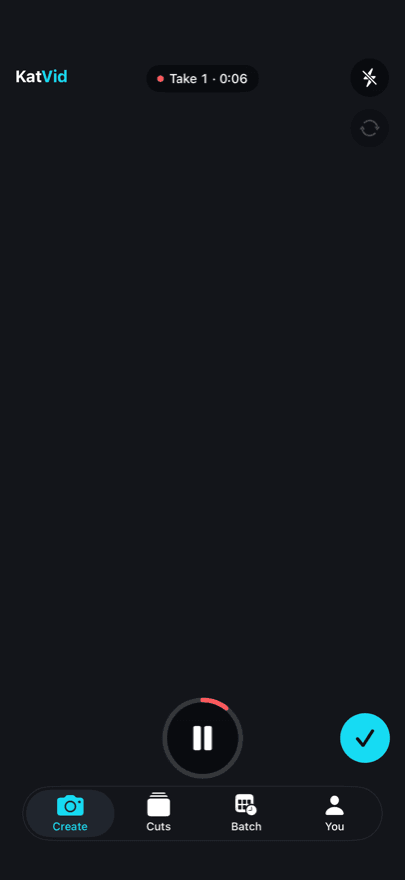
Record or import
Film in the app or bring in a clip. Say it as many times as you need.
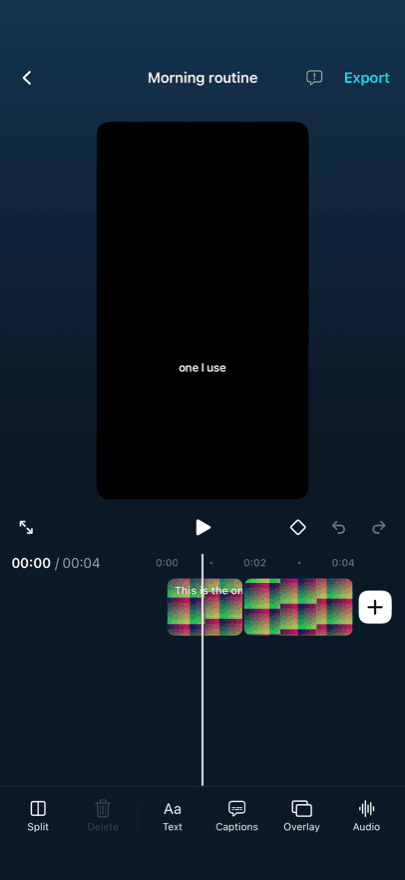
Get a first cut
KatVid transcribes the take and removes what shouldn't be there.
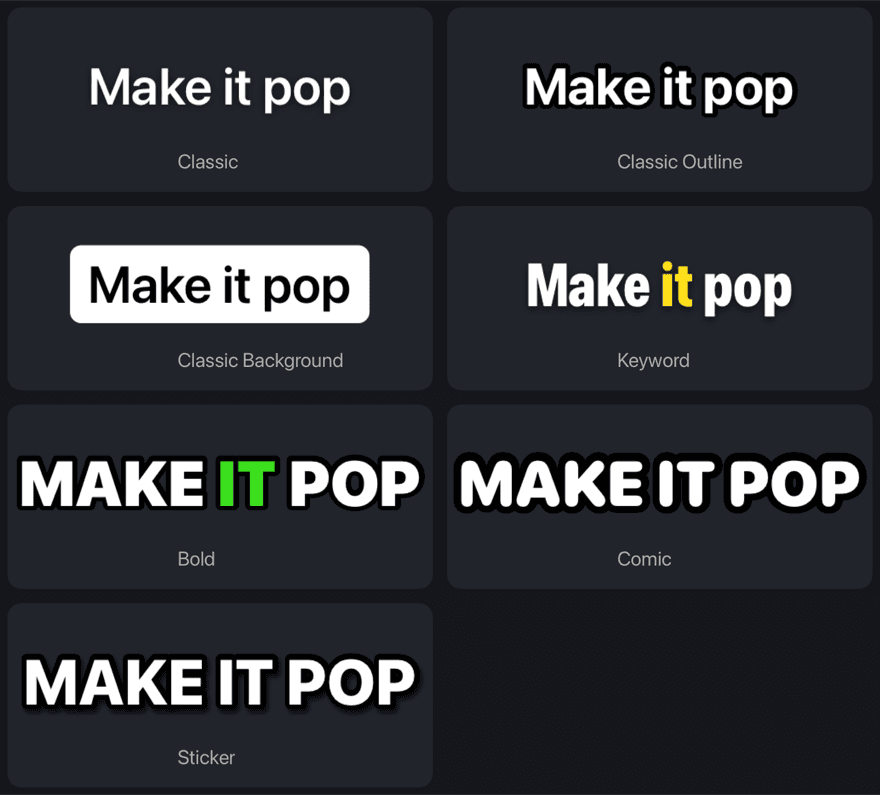
Make it yours
Captions in a few styles, text, overlays and audio, all on a real timeline.
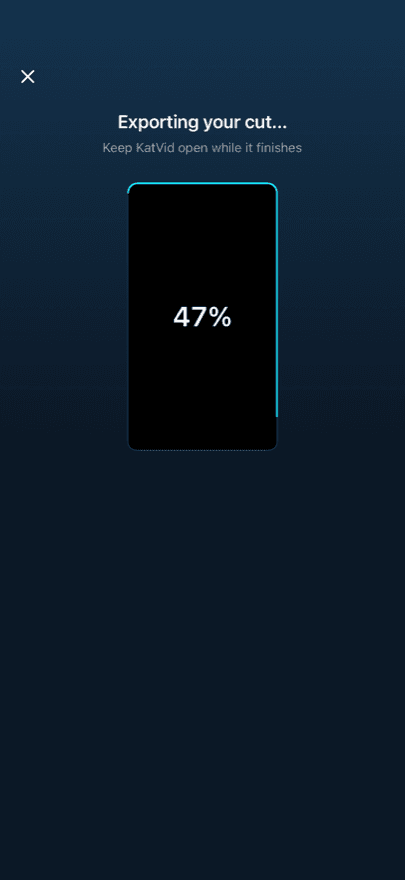
Save and share
Export up to 4K to Photos, then share it wherever you post.
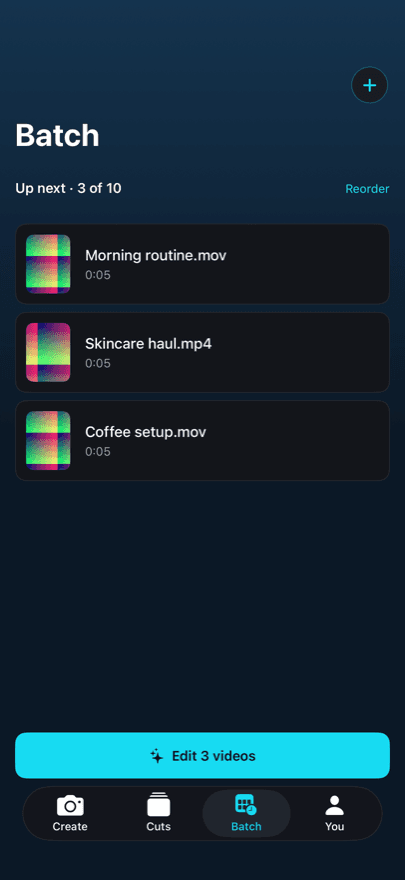
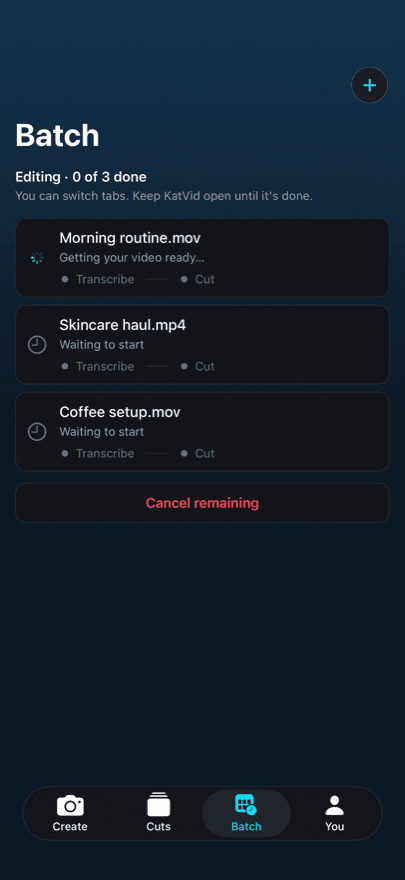
Got more than one video?
Queue a few clips and let KatVid work through them one by one. Start now or pick a time, switch tabs, and come back to first cuts.
- Up to ten videos in a queue
- Start now or schedule a time
- Each result lands in Cuts
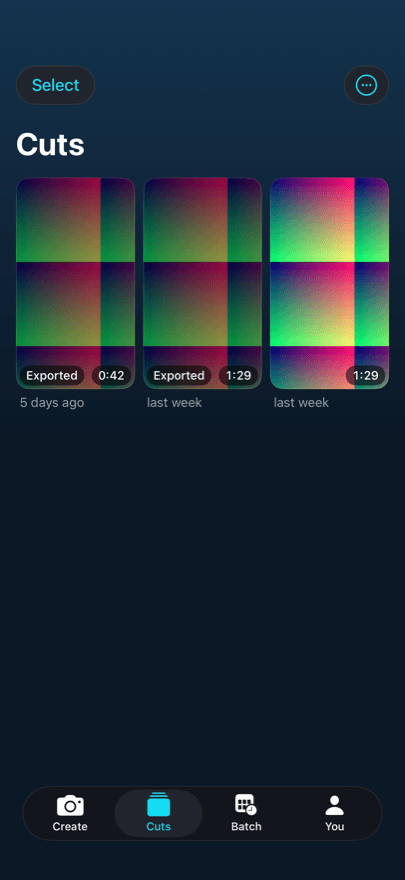
Every cut, kept where you left it.
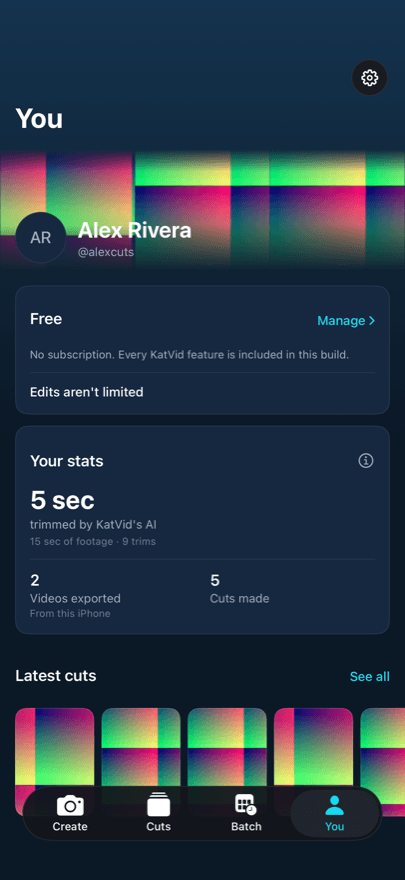
Your cuts stay organized and ready to reopen. Pick up an edit days later, save it to Photos again, and see how much footage KatVid has trimmed for you.
Every trim adds up. Here's the count.
What KatVid's AI has done so far, counted the same way the app's You tab counts it. As creators join, their totals join these.
- 1 min
- trimmed by the AI
- 10 min
- of footage checked
- 50
- trims made
- 15
- videos exported
So far · counted from the founder's own iPhone · 13 October 2026
Three ways to get a video out the door.
Editing it yourself, hiring an editor, and KatVid, compared on your time, turnaround, the skill it takes and how each one scales.
| Compared on | Edit it yourself | Hire an editor | KatVid |
|---|---|---|---|
| Your time per video | An hour or more | Briefs and revision notes | One tap, then a look |
| Ready in | Tonight, maybe | Days | Minutes |
| Skill needed | Timeline editing | Managing an editor | None to start |
| Scales with volume | Capped by your time | Capped by their queue | As many as you film |
| Final say | Yours | After another round | Yours, in the editor |
Three plans.
Each pays for itself.
Pick by how many AI edits you need in a month, or go Unlimited. 3 days free on every plan, cancel anytime.
Starter3-day free trial
For creators posting a few times a week.
$14.99
per month, billed monthly
- 100 AI edits a month
- Camera, manual editor and exports
- Not included: Overlap audio
- Not included: Scheduled batch edits
Pro3-day free trial
For creators posting consistently.
$39.99
per month, billed monthly
- 300 AI edits a month
- Camera, manual editor and exports
- Overlap audio
- Scheduled batch edits
Ultimate3-day free trial
For high-volume creators.
$69.99
per month, billed monthly
- Unlimited AI edits
- Camera, manual editor and exports
- Overlap audio
- Scheduled batch edits
3-day trial: up to 600 AI edits. Unlimited edits after your paid subscription begins.
Start free trial
Total due today on Pro: $0 for an eligible 3-day trial. Prices in US dollars; at checkout Stripe may offer your local currency at its rate. Stripe shows the exact currency and amount before you confirm.
Start your free trial — one per account. Cancel anytime. One processed video is one AI edit; Starter and Pro edits reset each month and don't roll over.
iPhone only · Requires iOS 18 or later
Still have questions?
Contact usWhat does KatVid remove?
Silence and dead air, filler words, false starts, repeated takes and the moments where you correct yourself. It works from a transcript of what you said and the timing around it.
Does KatVid fully edit my video?
No. It makes a first cut: the clean takes in order, with the fumbles gone. Captions, text, overlays, audio and the final look are yours to add in the editor.
Can I change the AI cut?
Yes. Every cut opens on a real timeline where you can split, trim, delete, or bring back anything it removed. Nothing is final until you export.
How does the AI first cut work?
KatVid extracts the audio from your clip, transcribes it, and decides which spans to remove from the words and their timing. It keeps a moment when it isn't sure, so a quiet pause for effect survives and a restart doesn't.
Film the messy take. Post the clean one.
Say it until it's right. KatVid finds the right one, cuts the rest, and hands you a first cut to finish.
iPhone only · Requires iOS 18 or later